Claude is now hacking smart TVs. Here's how people are doing it.
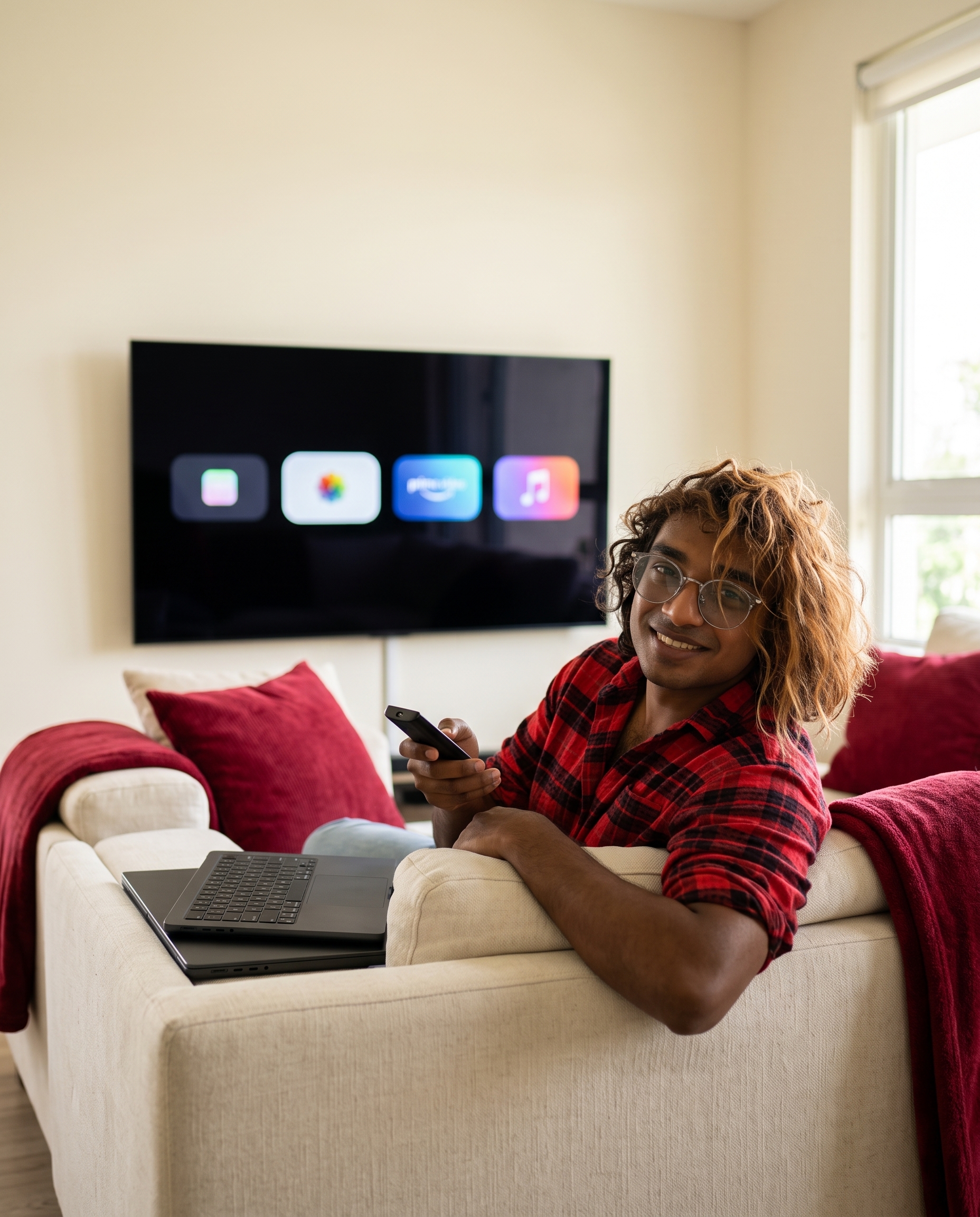
Last week a lot of people pointed an AI coding agent at the most annoying computer in their house: the TV.
It started as a few posts on X and turned into a small movement. By Sunday there were two free repos, a few thousand cleaned-up TVs by one creator's count, and a TechCrunch write-up with the perfect headline: "People are using AI to make their smart TVs dumb again."
Here's what actually happened, what you can copy, and where it goes wrong.
The three posts that started it
"Can you hack this?" On October 16, Ryan Doyle posted: "Hacked my TV with Claude Code today. No more ads, bloatware, spyware or laggy UI." The method was almost nothing. They sent Claude Code the product listing for their TV and asked "can you hack this?" They also got a custom screensaver with their calendar, the weather and new Stripe payments. A few hours later they posted a video of how fast the menus moved without the bloatware. The two posts passed 4.3 million and 2.9 million views.
An ad before Netflix. The next day Gathin posted about their parents' TV: "It was showing a sponsored ad before you could even get to Netflix. Gave Claude Code the model number, it found the TV on wifi, removed 25 Xiaomi packages and wrote a new launcher. Looks like an Apple TV now lol." That post is past 5.3 million views and 27,000 likes.
The numbers. On October 18, Mihir Gupta tried it on a TV that had "gotten unbearably slow": "One afternoon with Claude Code: 25 bloat apps disabled, the 192 MB stock launcher replaced with a custom 83 MB one, plus rotating wallpapers."
And my favourite reply to the whole thing, from @mchlhess: "WARNING: if you hack your parents' TV with claude code, DO NOT explain the process. they own a lot of things with model numbers."
Why this works at all
There's no exploit here. Android TV and Google TV sets run Android, and they have the same debug bridge (ADB) that Android phones have. Once you switch on developer options on the TV, a computer on the same Wi-Fi can list every installed package, switch off the ones you don't want, and set a different home screen. All of it is standard Android tooling.
The hard part was always knowing which of the hundred-odd packages on your specific TV are ads and telemetry, and which ones the TV needs to play HDMI. That's exactly the kind of tedious, look-it-up-and-check job a coding agent is good at. It can read each package's services, ask you before touching anything you might use, and take a screenshot from the TV after every step.
The free repos you can use
Two open-source projects came out of this within days.
cleanyourtv is Gathin's repo, for Android TV and Google TV. It was created on October 17 and had 4,534 stars by October 20. Its promise: "No root, no cable, nothing uninstalled, and a one-line restore if you change your mind." The README lists 54 TVs with tested package lists across 23 brands, and it installs a small launcher that looks like an Apple TV home screen.
How it works, from the README:
- On the TV: Settings → Device Preferences → About → press OK on Build seven times → back → Developer options → turn on USB debugging (and Network or ADB debugging if you see it).
- On your computer, on the same Wi-Fi: paste the repo's PROMPT.md into Claude Code and fill in your TV model.
- Accept "Allow USB debugging?" on the TV, then answer the checklist: which apps you use, which four go in the dock, and whether to keep the voice assistant, Chromecast and updates.
The prompt opens like this:
I want to debloat my Android TV and replace its launcher with a clean Apple TV style home screen.
My TV model is: <MODEL NAME HERE>. Work on the real device, step by step, and verify everything you
do with screenshots pulled from the TV. Ask me before anything that depends on my preferences.
The rest of it is the useful part: back up the package list and settings first and write a restore script, disable packages with pm disable-user instead of uninstalling them, never touch the HDMI, remote, keyboard or Play Store services, and disable in small batches with a screenshot between each. The README says the whole thing takes about fifteen minutes with the repo as context.
dumbtv is the Fire TV version (488 stars), built by @DevMuzzammil. TechCrunch says it was built with DeepSeek V4.1 Flash, Claude Opus 5.5 and Claude Sonnet 5.5. It goes further on privacy: it disables around 65 packages including screen fingerprinting (ACR), the ad ID service and watch-time analytics, runs a DNS filter on the TV, and installs its own 45 KB launcher with no internet permission. It asks what you want to keep before removing anything, and scripts/restore.sh puts back what it changed. One catch it states plainly: some ad-funded streaming apps get uninstalled, and those come back from the store, not from the script.
Will it work on your TV?
This is the question most people skip, so here's the short version from both READMEs:
- Android TV or Google TV (Sony, TCL, Xiaomi, Hisense, Philips, OnePlus, Nvidia Shield and most others): yes, with cleanyourtv.
- Fire TV sticks and Fire TV Edition sets: yes, with dumbtv. cleanyourtv says it won't work on Fire TV.
- Samsung, LG, Roku, VIDAA, Vizio: no. These don't give you a shell to work with. dumbtv's advice is to block ads at your router instead, or boot the TV straight into HDMI.
What can go wrong
TechCrunch is clear that these are works in progress. One person said they bricked their Android TV using Claude, and another got stuck halfway through a Fire TV. Some people found Claude wouldn't act on a bare "hack my TV" and needed a more specific prompt. Describing the actual goal (remove the ads and preinstalled apps from my own TV, back everything up first) is what the repos' prompts do.
Three more things worth knowing before you start:
- It doesn't survive a factory reset. dumbtv says it outright: nothing here replaces the operating system, and anyone promising that is how TVs get bricked. A reset brings the stock setup back.
- Switch USB debugging off afterwards. cleanyourtv warns that some boxes cut power to their USB port while debugging is on, so a USB drive or speaker can go dead until you turn it off.
- YouTube ads stay. The ad-blocking DNS option doesn't block them, per the cleanyourtv prompt.
What to do this week
If you have an Android TV that shows you ads, this is a good weekend project with a real payoff: back up, run the prompt, keep the restore script somewhere safe. Start with a TV that isn't the only one in the house.
And if you build with AI for a living, notice the pattern. The viral posts weren't about a new model. They were about pointing an agent you already pay for at a boring, everyday annoyance, with a clear goal and a way to undo it. That's a product idea template too.
Have you got a TV that shows you ads before your own apps? Tell me what brand on X or LinkedIn.